Domino printing and industrial coding
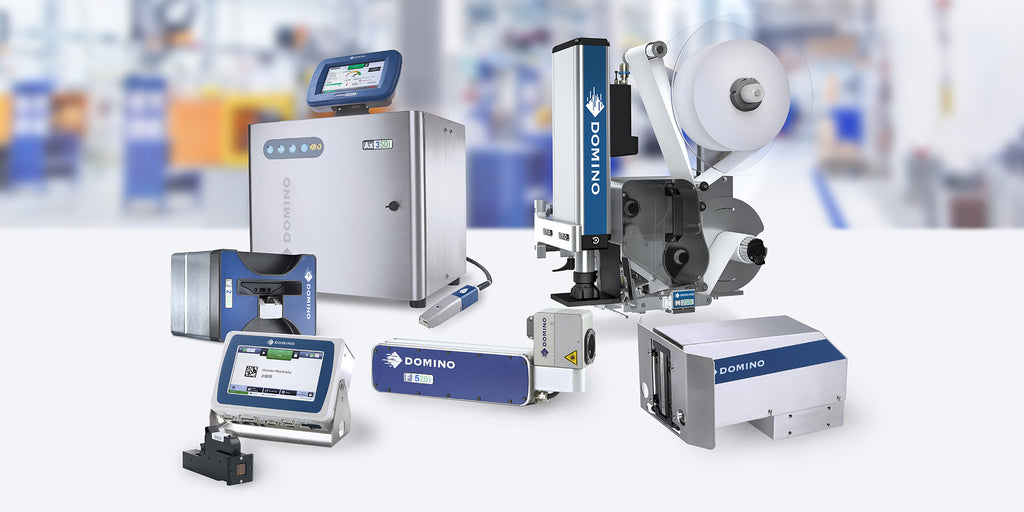
In today's fast-paced manufacturing landscape, precision, efficiency, and compliance are key to staying competitive. At insignia, we partner with Domino Printing to offer cutting-edge coding, marking, and labelling solutions tailored to the diverse needs of manufacturers across a range of industries. From enhancing traceability to optimising production lines, our advanced technologies empower manufacturers to meet the highest standards of quality, reliability, and speed.

Enhance production efficiency and compliance
As manufacturers, you face stringent regulations and high customer expectations. insignia's solutions ensure that your products are coded, marked, and labelled with accuracy and consistency, reducing downtime, and increasing throughput. With Domino's industry-leading technology, you can:
- Improve Traceability: Ensure full traceability across your supply chain with durable codes that withstand harsh environments.
- Ensure Compliance: Meet global regulatory requirements for product identification, serialisation, and traceability with our reliable coding systems.
- Minimise Downtime: Benefit from Domino’s i-Tech components that extend service intervals and reduce production stoppages.
- Optimise Production: Seamlessly integrate our coding and marking solutions into your existing production lines to increase operational efficiency.

Precision coding and marking for every application
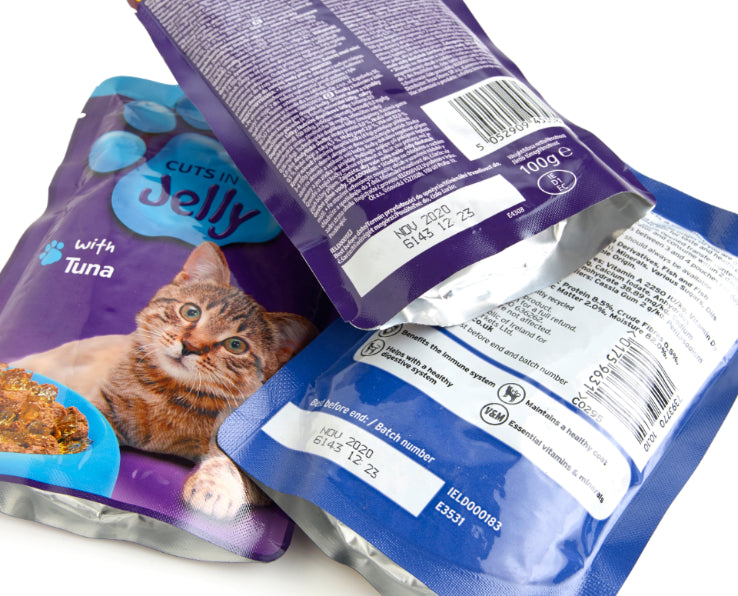
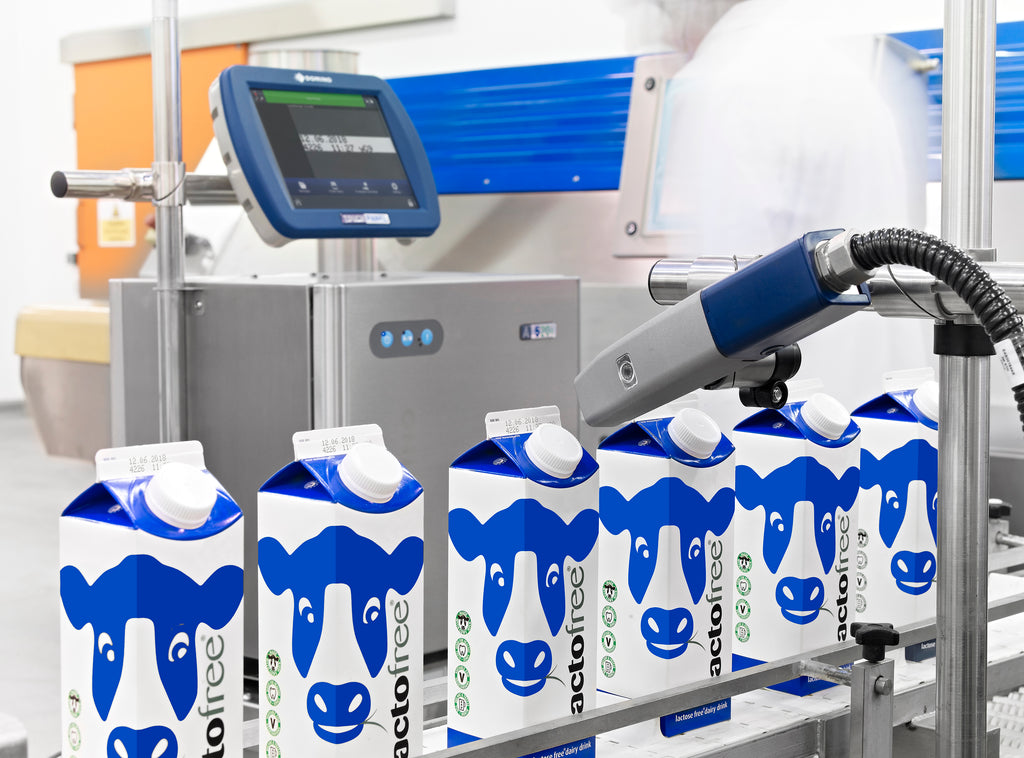
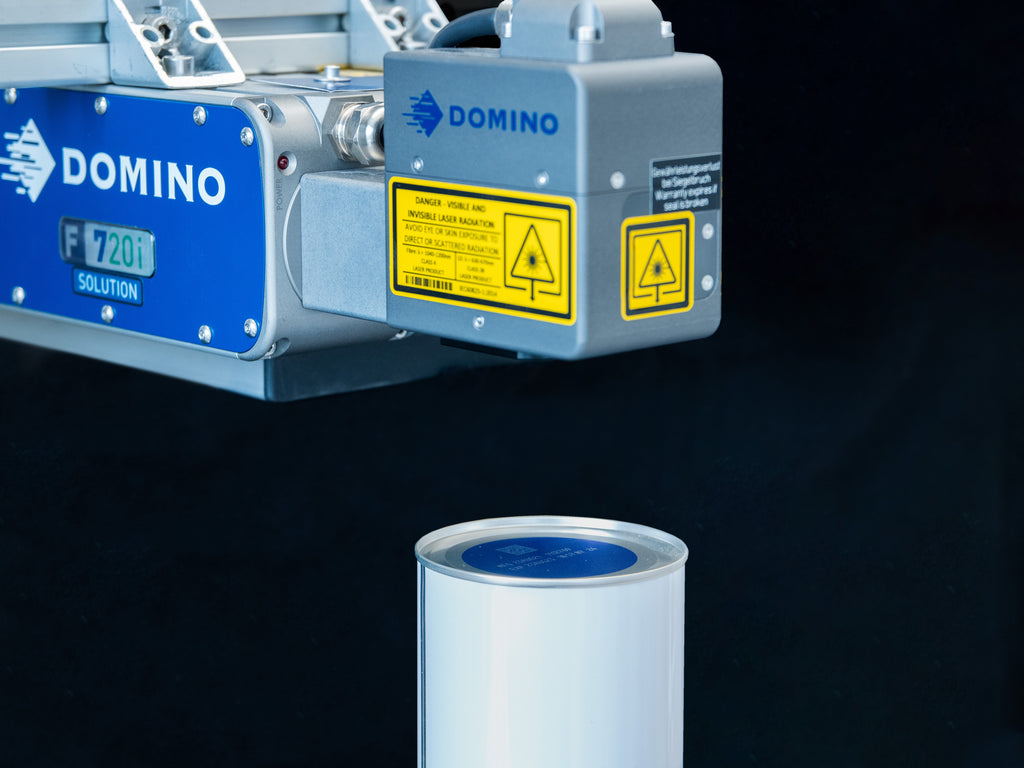
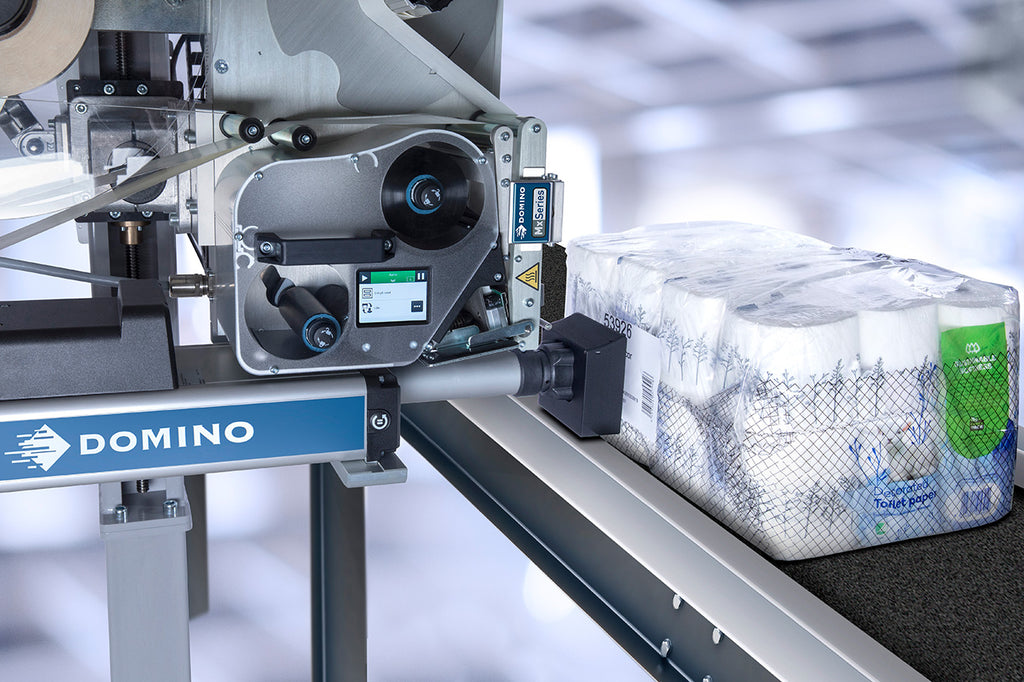
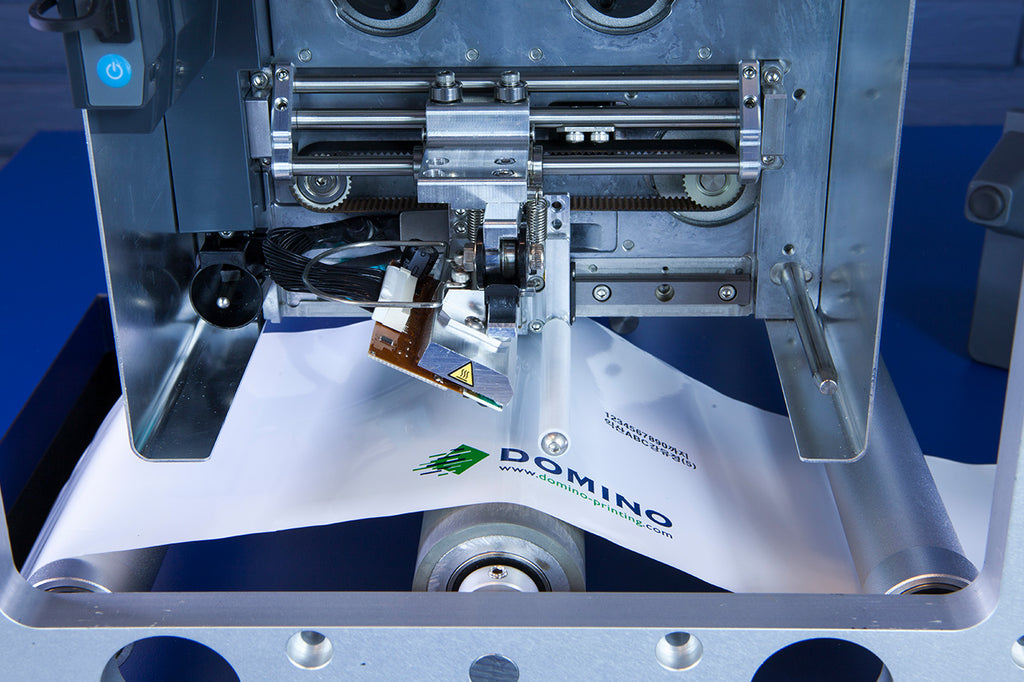
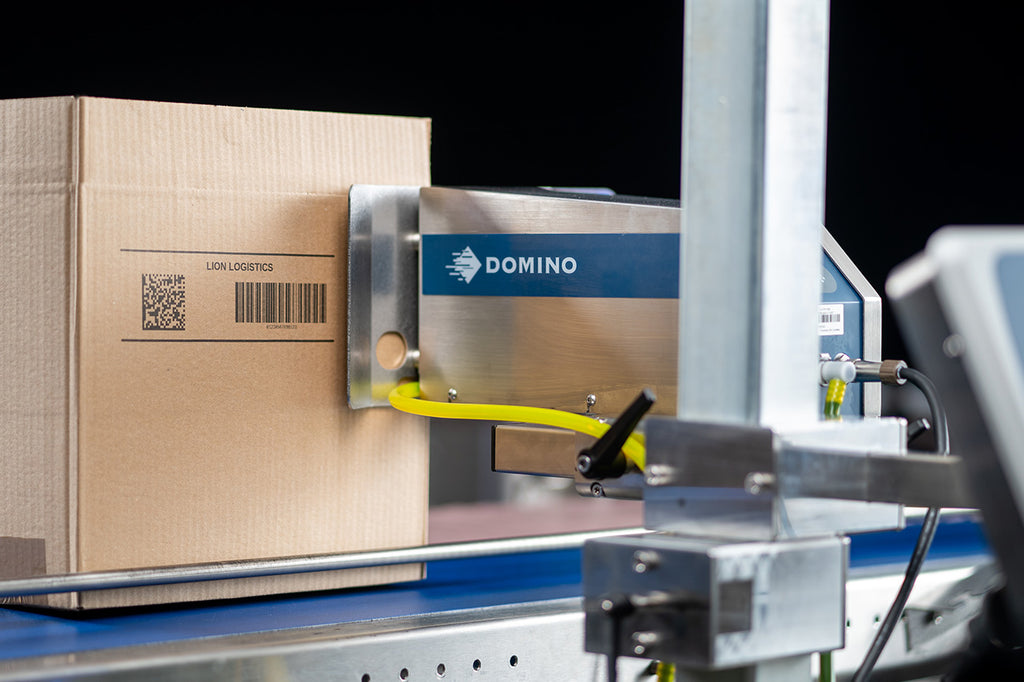
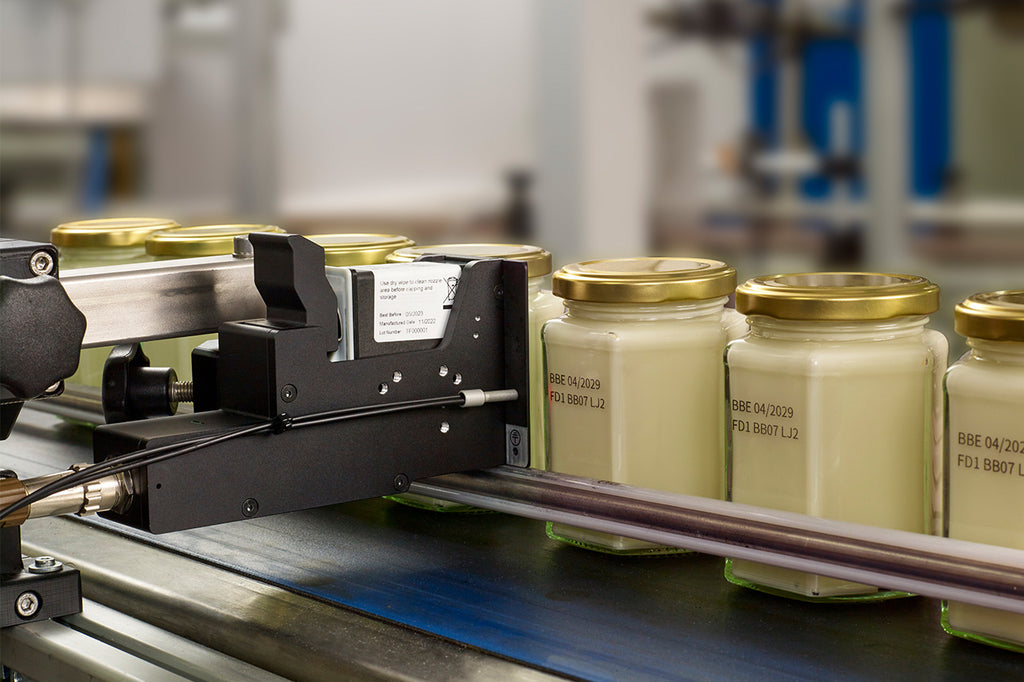
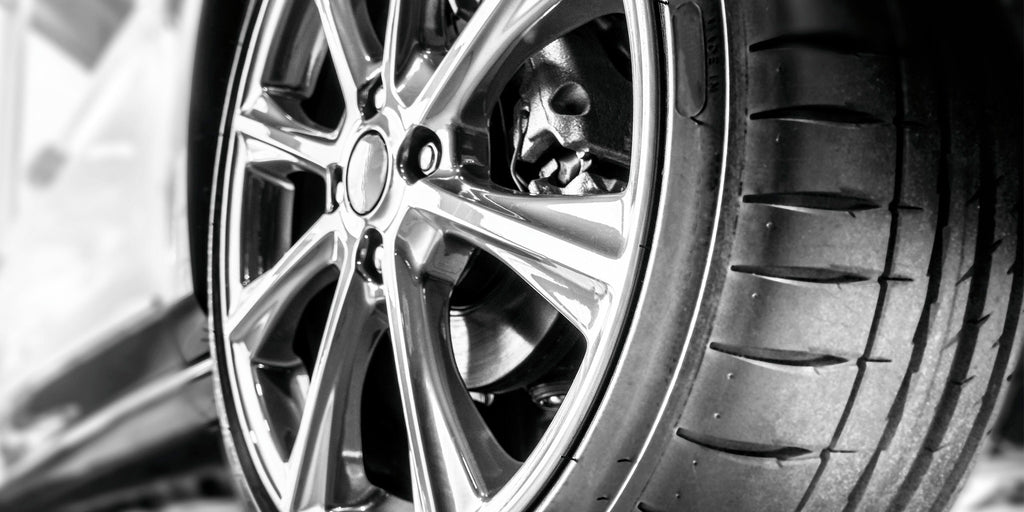
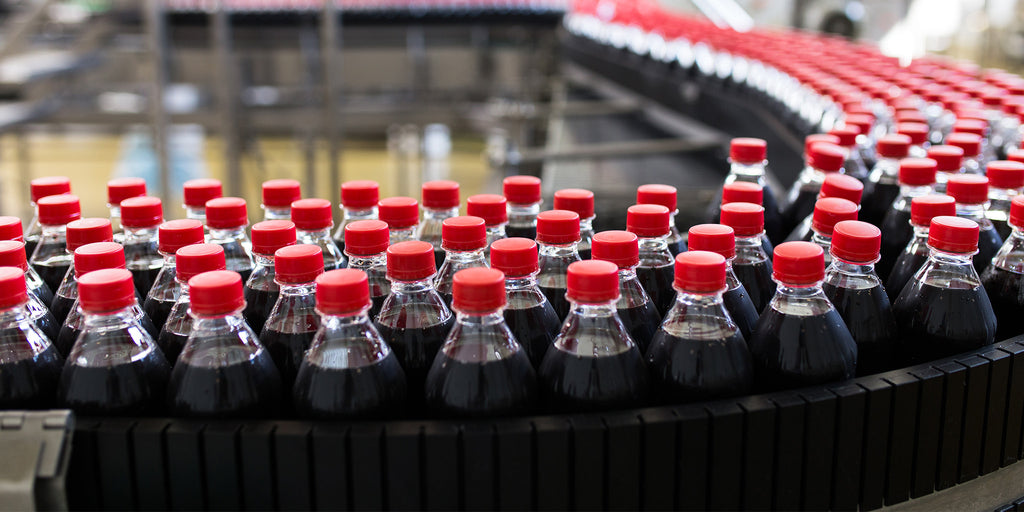
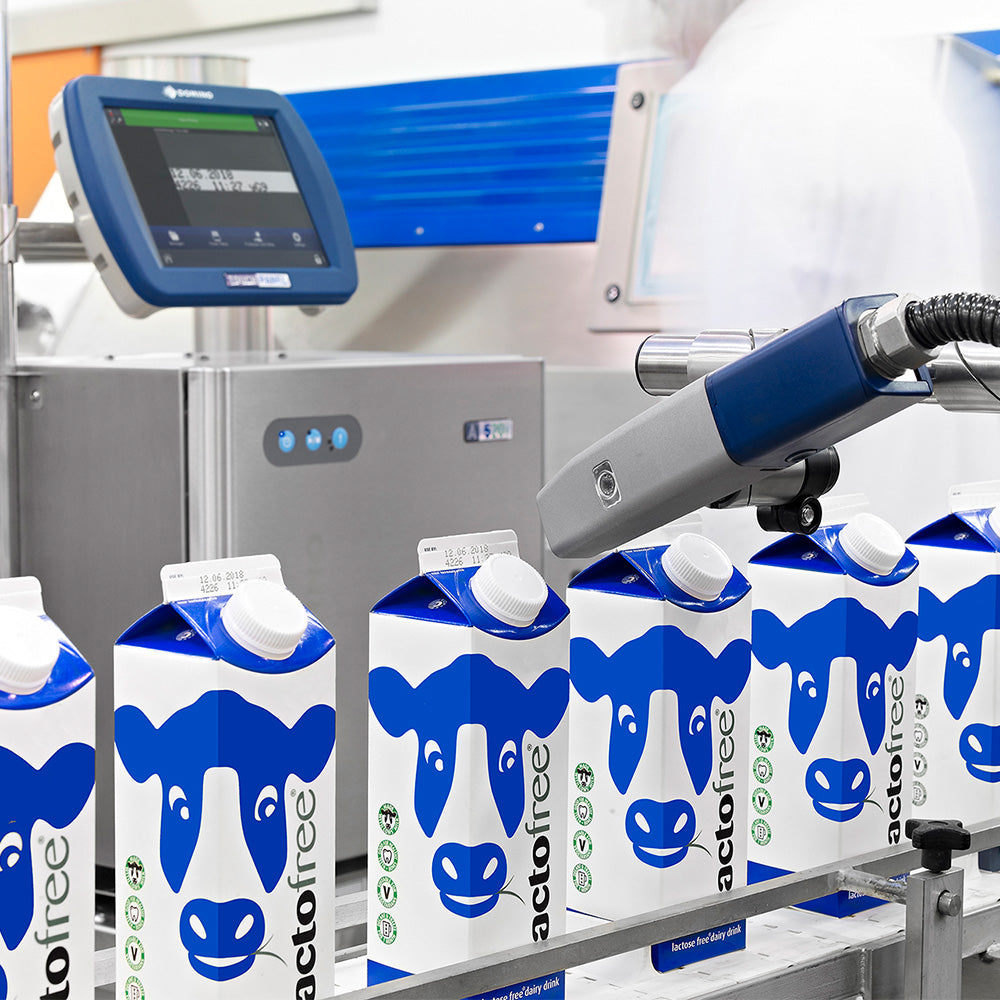
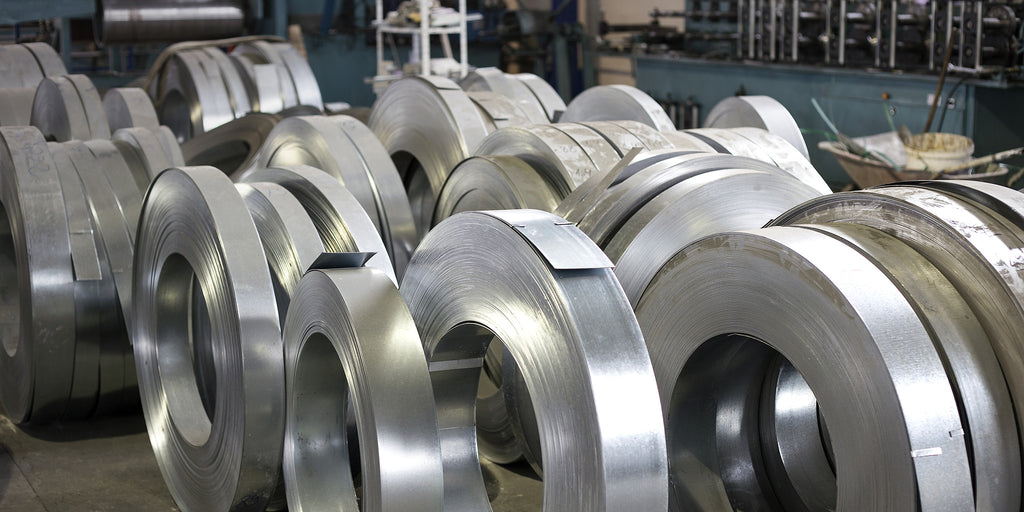
From bottles and cans to automotive components, our solutions are designed to meet the specific demands of your industry. Whether you need laser marking, thermal inkjet printing, or continuous inkjet technology, we offer a wide range of printing methods that ensure high-quality results on various materials, including plastics, metals, and glass.
Key benefits of our solutions:
- High-Resolution Printing: Ensure clear and legible barcodes, batch numbers, expiry dates, and logos on your products.
- Long-lasting Durability: Our printing technologies deliver high-performance codes that resist fading, smudging, and wear.
- Sustainability: Minimise waste and reduce environmental impact with efficient, eco-friendly coding solutions.
Why choose insignia for your manufacturing coding needs?
Trusted Partner of Domino Printing: Leverage world-class technology and industry expertise.
Comprehensive Solutions: From coding and marking to labelling, we provide end-to-end solutions.
Local Support: As a leading Australian provider, we offer unparalleled support with a deep understanding of local manufacturing requirements.


Industry expertise and support
insignia is more than a supplier—we're a partner committed to helping you achieve operational excellence. With decades of experience serving manufacturers across Australia, we understand the challenges you face and provide personalised support at every stage, from consultation to post-installation service.
Our technical team is ready to support your business with:
- Support: Get access to expert assistance whenever you need it, reducing the risk of costly downtime.
- On-site Training: Ensure your team is fully equipped to operate and maintain our solutions with confidence.
- Preventive Maintenance: Stay ahead of potential issues with regular system checks and maintenance programs.
A turn-key solution from a single trusted supplier
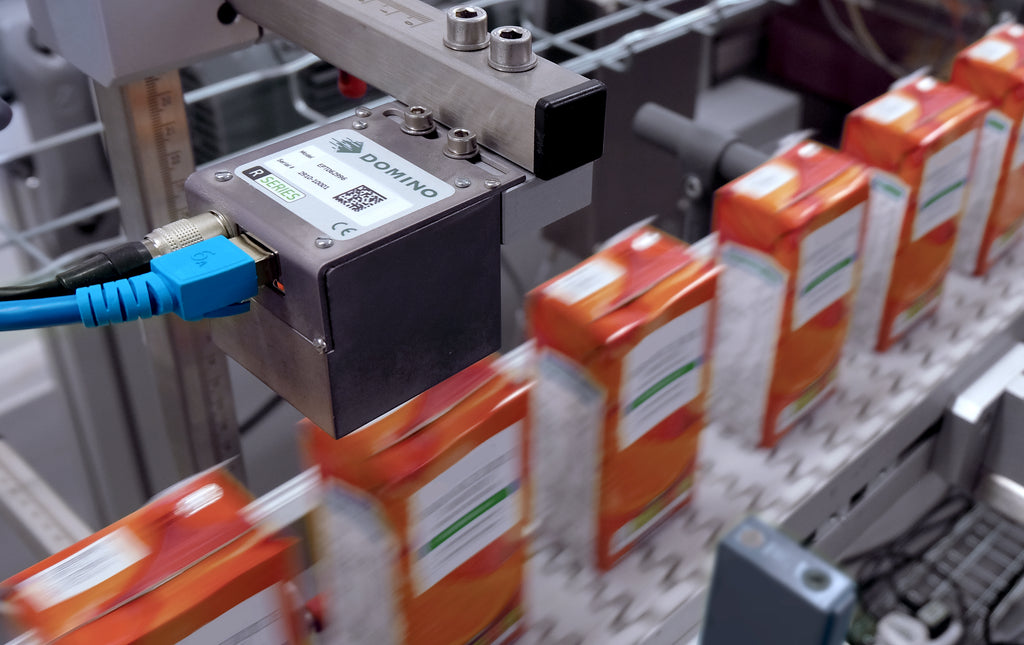
Designed to work with the entire Domino equipment portfolio, the R-Series Domino vision system range eliminates labour intensive manual inspections, reduces the amount of scrap, and helps to avoid the expense and brand damage associated with product recalls. Everything from a single source.

Protect uptime with SafeGuard AR
SafeGuard AR allows you to connect to our internal Domino service experts remotely, to share the challenges you are experiencing via secure video link. Our service experts can then interact with the video feed and direct your site team through effective resolution steps.
We may use SafeGuard AR to allow our service experts to use real-time views of your line to help pinpoint and diagnose a problem as quickly as possible, and potentially step you through a repair. If we decide an engineer is required, this service helps assess the extent of the problem and potential parts required for an improved first-time fix.
Traceability from Product to Pallet
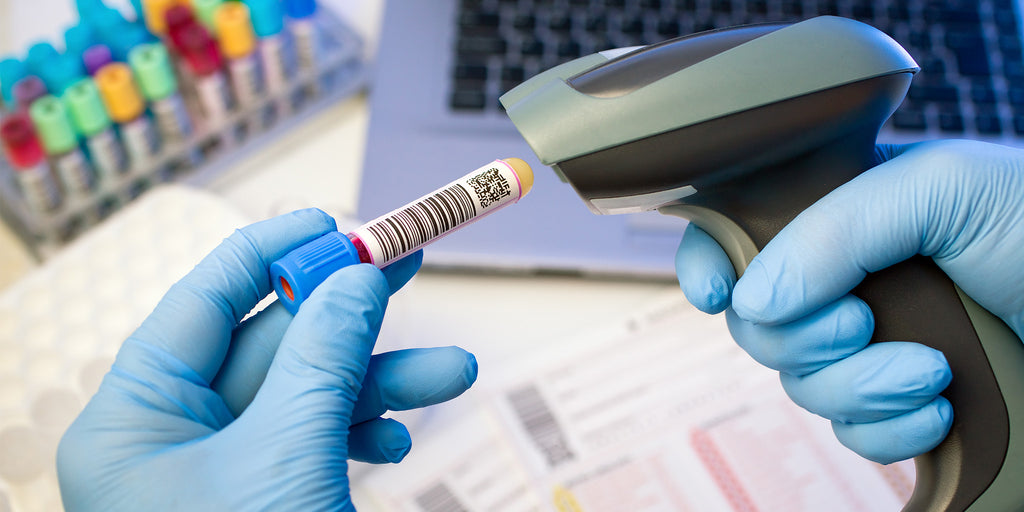
We help companies print batch codes, machine readable codes, date codes, data matrix codes and different types of variable data onto their products. Domino's product to pallet technology range - in combination with their software and automation innovations - help manufacturers achieve serialisation, brand protection, supply chain compliance, Industry 4.0 and coding automation. This is all driven by our people to help maximise our customers' operations, uptime and profitability.
Speak to an expert
Streamline your production, ensure compliance, and enhance traceability with insignia’s advanced coding and marking solutions. Contact us today to discover how we can help your manufacturing operation reach its full potential.